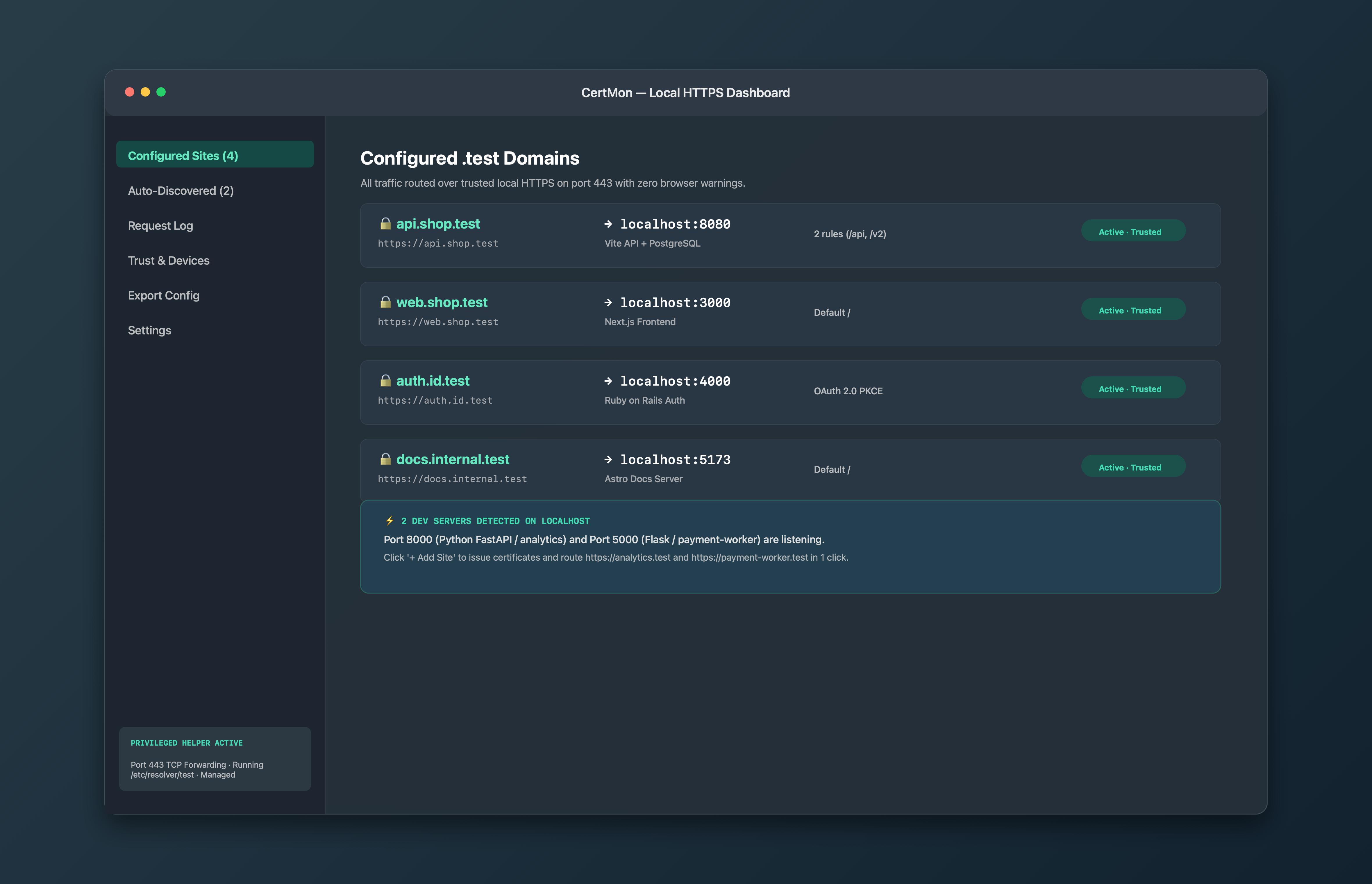
CertMon
FRONTEND TOOLING
How to set up HTTPS in Vite local dev without certificate errors
Configuring HTTPS in Vite is straightforward, but plugins like @vitejs/plugin-basic-ssl generate untrusted self-signed certificates that trigger browser warnings and kill Hot Module Replacement (HMR).
Start in Terminal: Manual Vite HTTPS configuration
If you have a trusted local CA, export the certificate and key, then configure vite.config.ts:
import { defineConfig } from 'vite'
import react from '@vitejs/plugin-react'
import fs from 'node:fs'

export default defineConfig({
  plugins: [react()],
  server: {
    https: {
      key: fs.readFileSync('./certs/vite.key'),
      cert: fs.readFileSync('./certs/vite.crt'),
    },
    host: 'web.myapp.test',
    port: 5173,
    hmr: {
      protocol: 'wss',
      host: 'web.myapp.test',
      clientPort: 443,
    }
  }
})
Why basic-ssl causes problems
The standard recommendation in many tutorials is to install @vitejs/plugin-basic-ssl. However:
- It generates an untrusted self-signed cert on the fly.
- Chrome and Safari display the red "Not Secure" interstitial banner.
- The browser blocks WebSocket connections to
wss://localhost:5173/, causing HMR to fail and forcing full page refreshes. - Secure cross-origin cookies (
SameSite=None; Secure) and WebAuthn credentials cannot be tested.
The zero-config solution: CertMon
With CertMon, you don't need to configure SSL in Vite at all! Keep your Vite dev server running on plain HTTP on port 5173 (or let CertMon auto-discover it).
CertMon's built-in reverse proxy terminates trusted HTTPS on https://web.myapp.test (port 443) and automatically forwards HTTP requests and WebSocket HMR messages to Vite without any config changes.