CertMon
DEVELOPER TOOLS
mkcert Alternative with a Native macOS GUI
mkcert is a popular CLI tool for making locally-trusted development certificates. But creating certificates is only one third of getting local HTTPS working.
The traditional mkcert workflow
When using mkcert, here are all the steps required for every new local service:
# 1. Install mkcert and its local CA
brew install mkcert
mkcert -install

# 2. Generate cert and key files into your project directory
cd ~/projects/my-api
mkcert api.myapp.test localhost 127.0.0.1

# 3. Manually add hostnames to /etc/hosts with sudo
sudo bash -c 'echo "127.0.0.1 api.myapp.test" >> /etc/hosts'

# 4. Configure your application or reverse proxy (Caddy / Nginx)
# to bind port 443 with sudo and point at the cert and key paths
Where mkcert falls short
While mkcert solves the certificate generation and Keychain trust step, it leaves several major developer pain points unresolved:
- No reverse proxy: You must configure and maintain Caddy, Nginx, or per-framework SSL settings.
- No port 443 binding: Non-root users cannot bind port 443, forcing developers to access ugly URLs like
https://api.myapp.test:8443or run servers withsudo. - No automatic DNS: Every new test domain requires manually editing
/etc/hostswith sudo privileges. - Key security:
mkcertdrops unencrypted private keys as.pemfiles on disk in arbitrary project directories. - Broken WebSocket HMR: Reverse proxy configurations often fail to upgrade HTTP/1.1 connections to WebSockets properly.
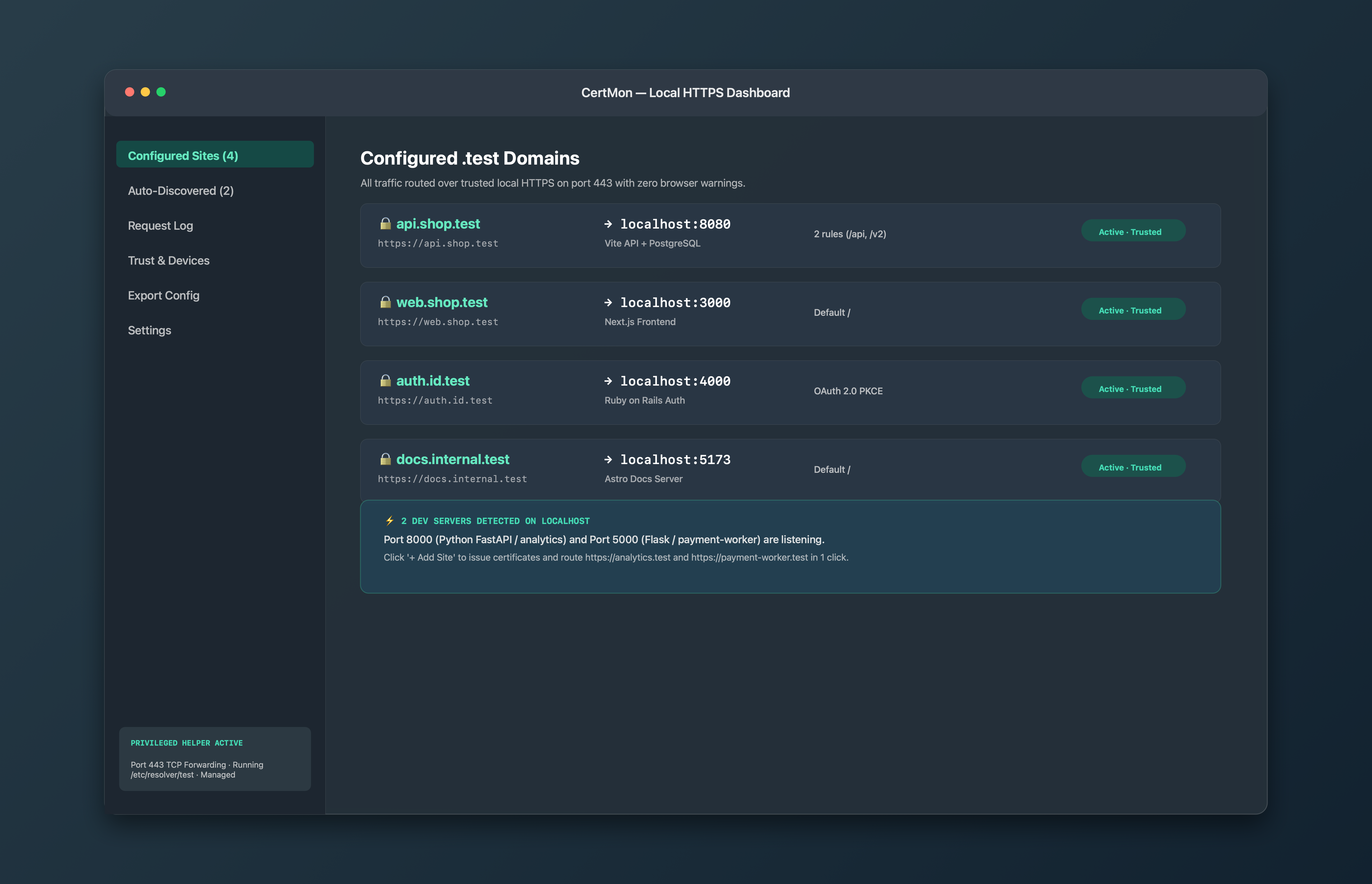
The complete native alternative: CertMon
CertMon gives you a menu bar app that unites the CA, Keychain trust, wildcard .test DNS, reverse proxying on port 443, and WebSocket passthrough into a single native Mac utility.